> For the complete documentation index, see [llms.txt](https://sixbot.gitbook.io/sixbot-help-center/llms.txt). Markdown versions of documentation pages are available by appending `.md` to page URLs; this page is available as [Markdown](https://sixbot.gitbook.io/sixbot-help-center/tutorial/signup.md).
# Register for SIXBOT Account
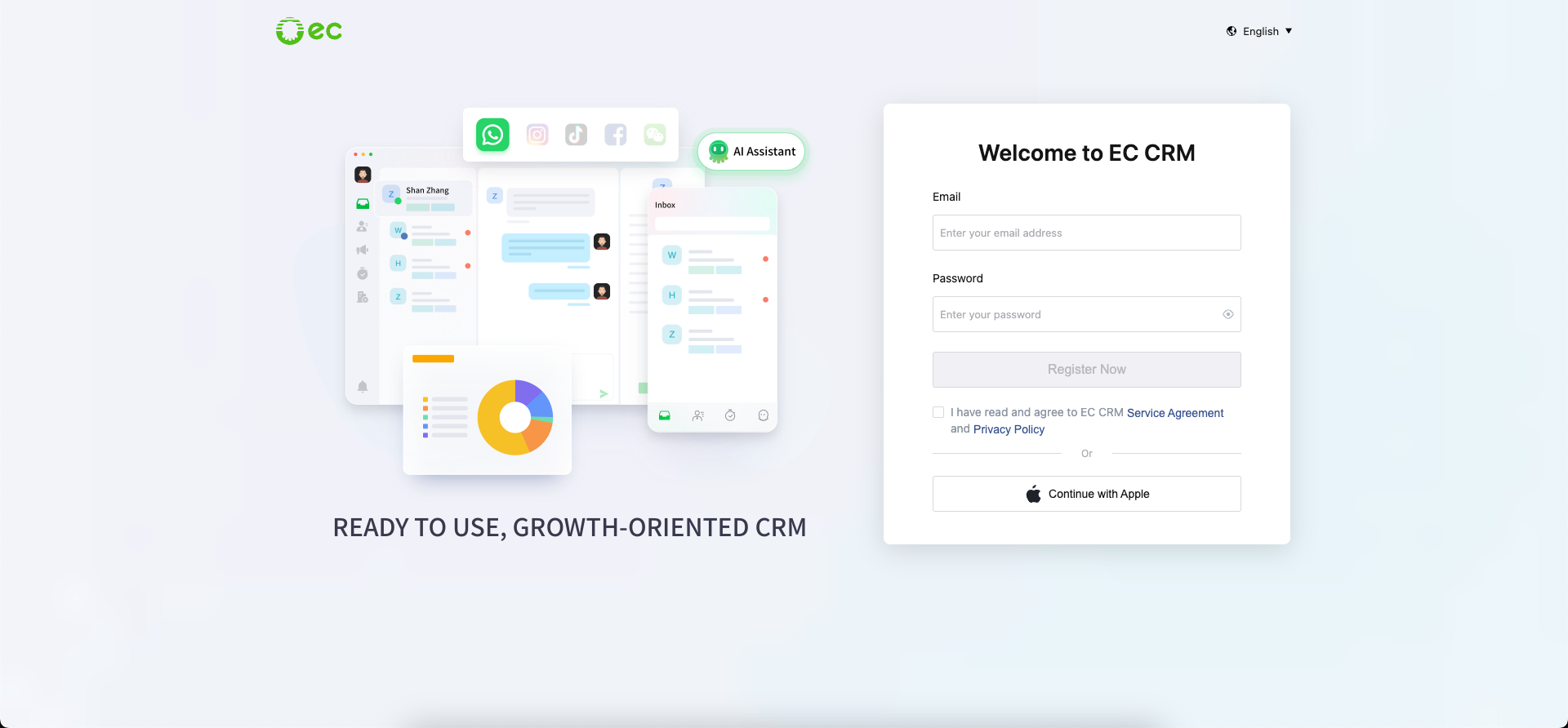
## Step 1: Go to the Registration Page
Navigate to the registration page through the official website
## Step 2: Register Account
On the registration page, you can register your account using the following 3 methods:
1\. Email Address and Password Registration
2\. Register with Apple Account
3\. Sign up with a Google account (Coming Soon)
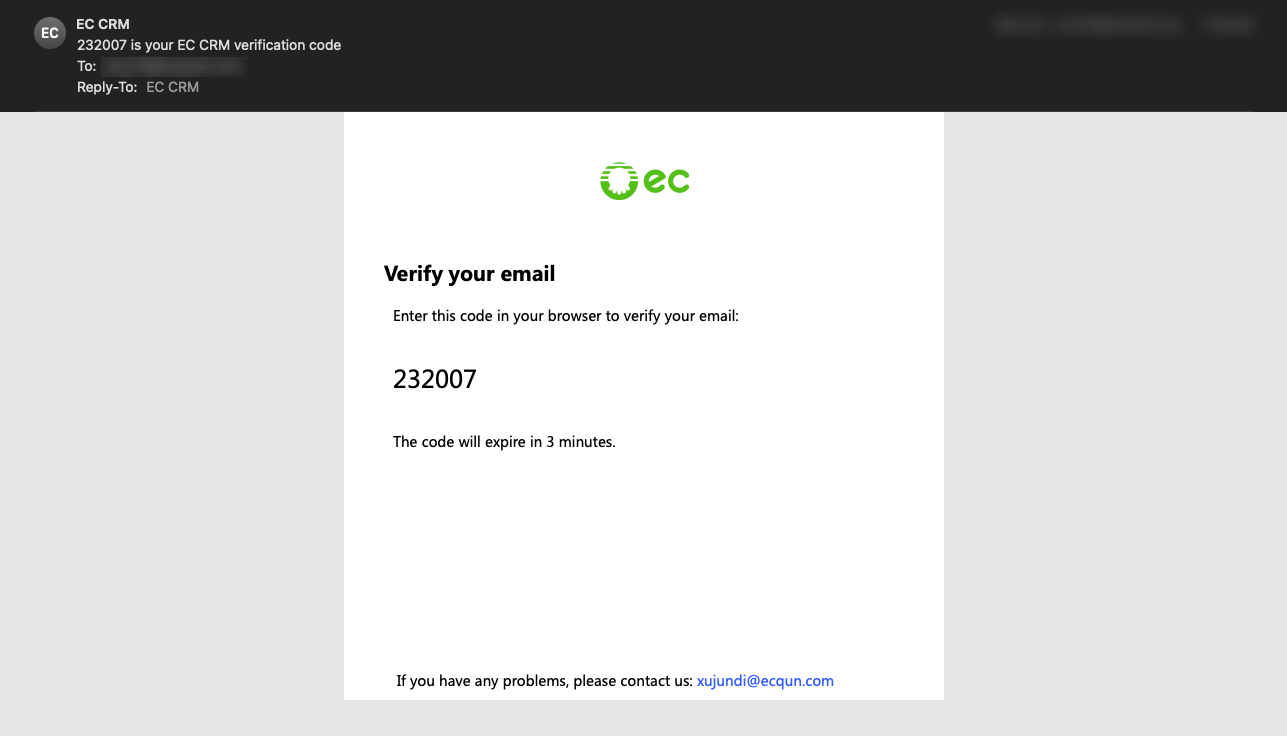
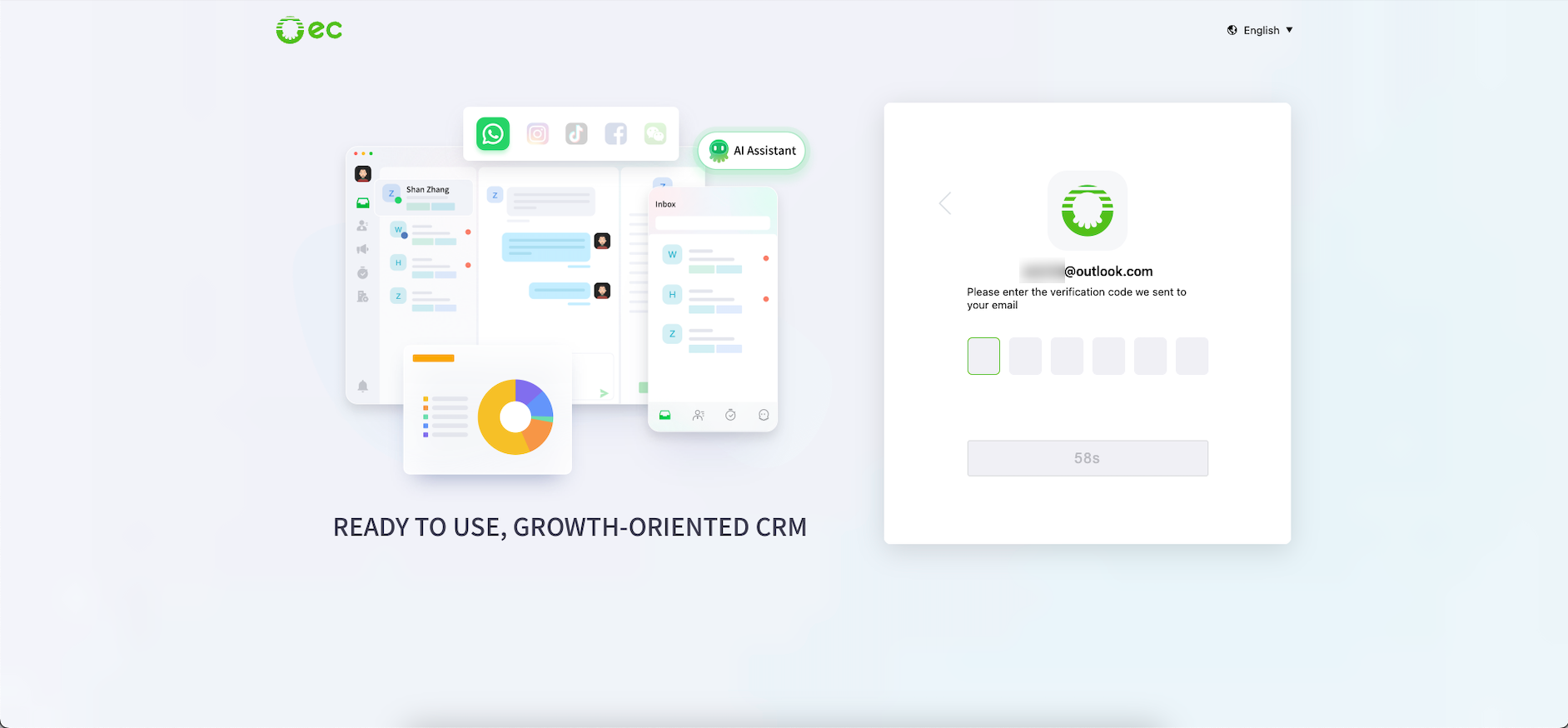
## 1.3. Step 3: Verify with a Code
After registration, you will receive a verification email with a code
{% hint style="info" %}
\*Note: If you cannot find the email, check your spam folder
{% endhint %}
Return to the registration page, enter the verification code
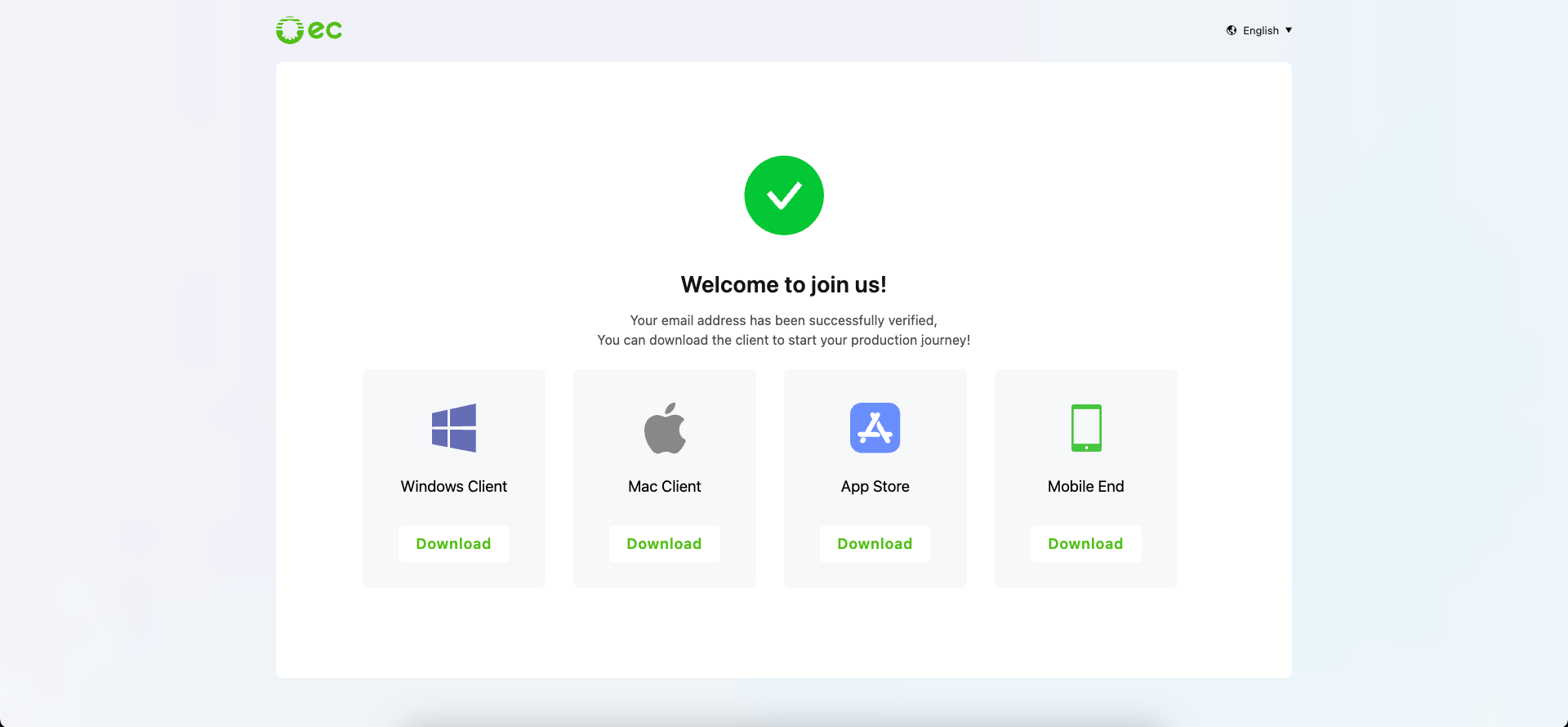
## 1.4. Step 4: Go to the official website download page
After verifying with the verification code, you will be redirected to the download page to download different client versions