> For the complete documentation index, see [llms.txt](https://sixbot.gitbook.io/sixbot-help-center/llms.txt). Markdown versions of documentation pages are available by appending `.md` to page URLs; this page is available as [Markdown](https://sixbot.gitbook.io/sixbot-help-center/tutorial/crm/operation.md).
# List Operations
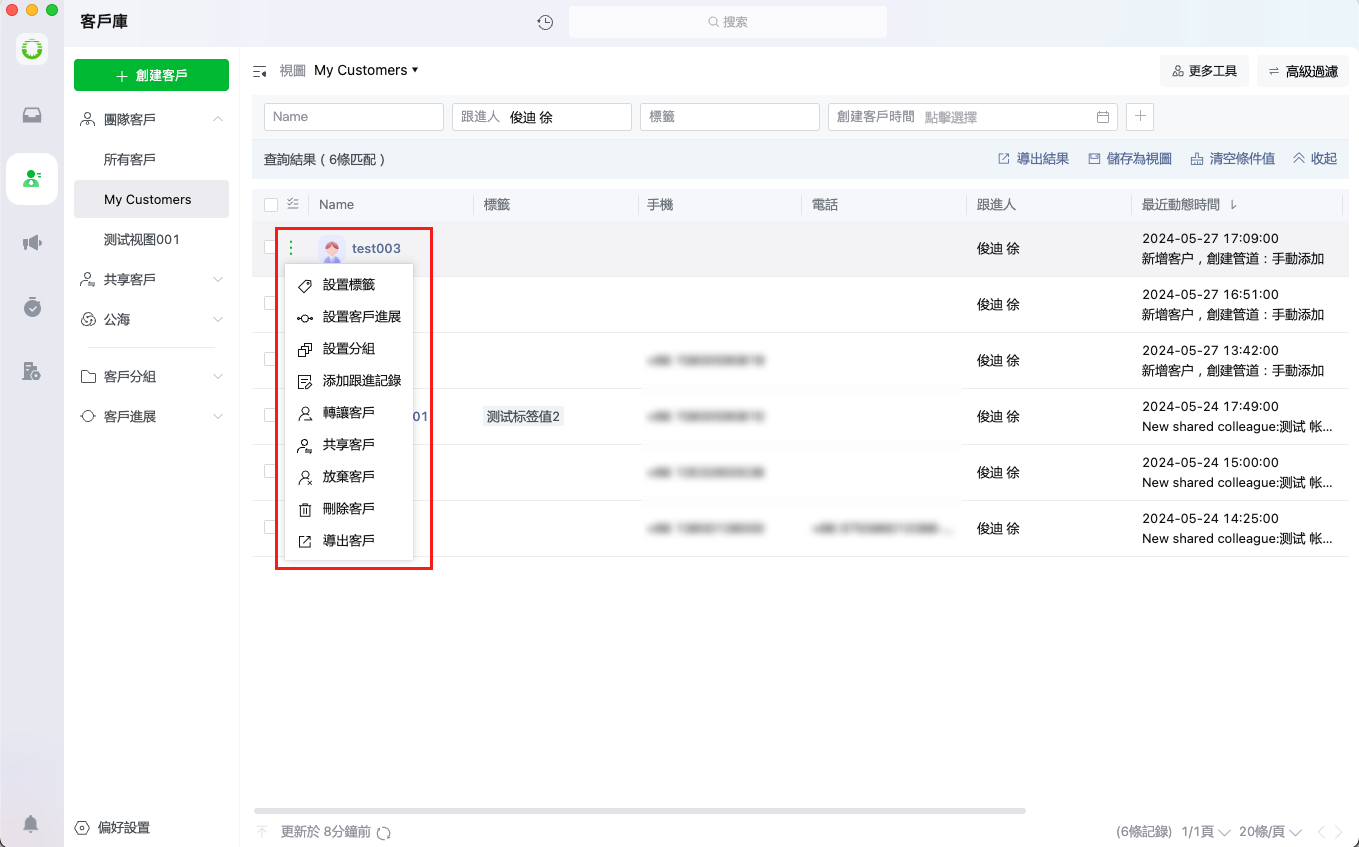
Users can view the customer list and perform the following actions:
> [Add Tags](#add-tags)
>
> [Set Customer Progress](#update-customer-progress)
>
> [Set Group](#set-group)
>
> [Add Follow-up Record](#add-follow-up-record)
>
> [Transfer Customer](#transfer-customer)
>
> [Share Customer](#share-customer)
>
> [Release Customer](#release-customer)
>
> [Delete Customer](#delete-customer)
>
> [Export Customer](#export-customer)
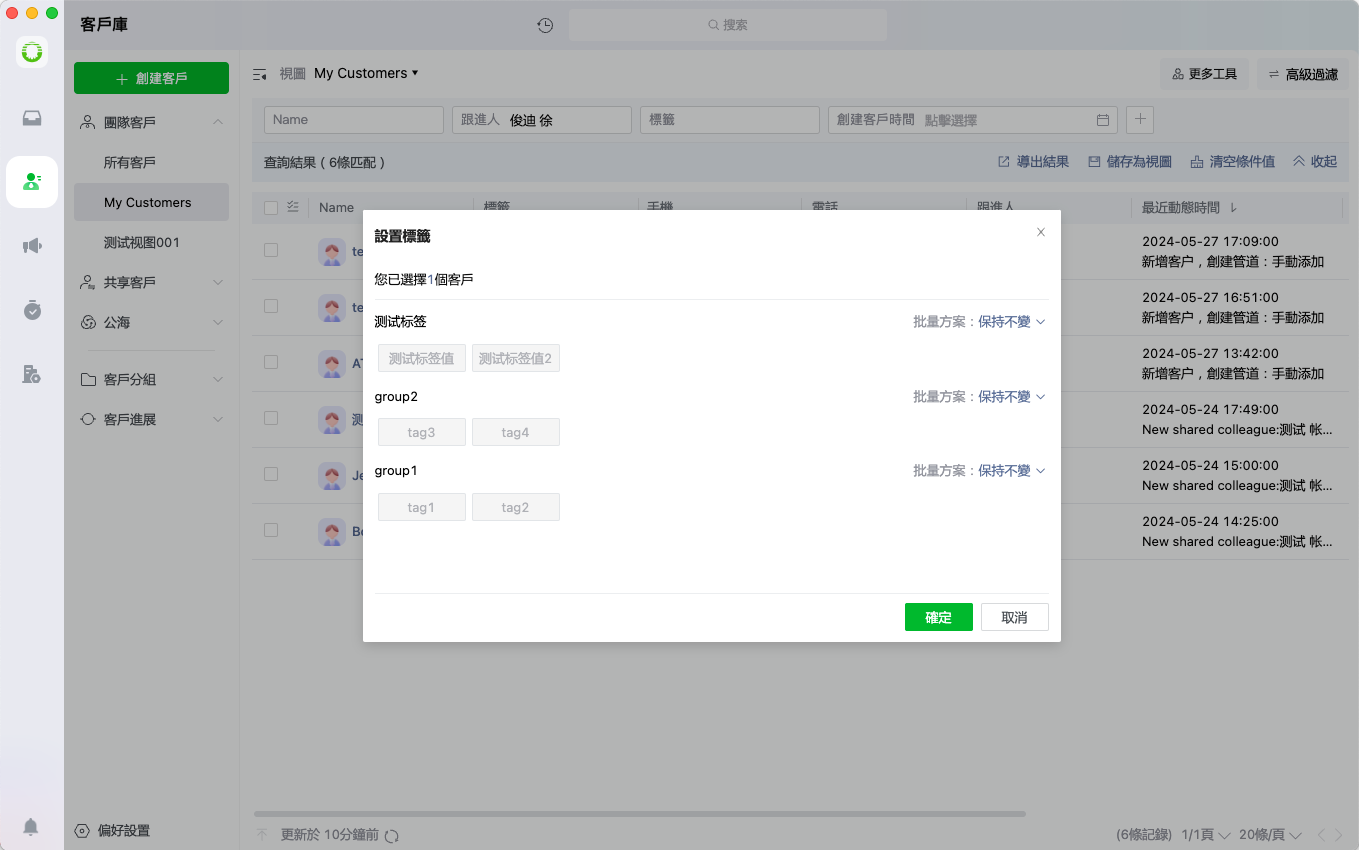
## **Add Tags**
Users can assign custom tags to customers for better categorization and organization
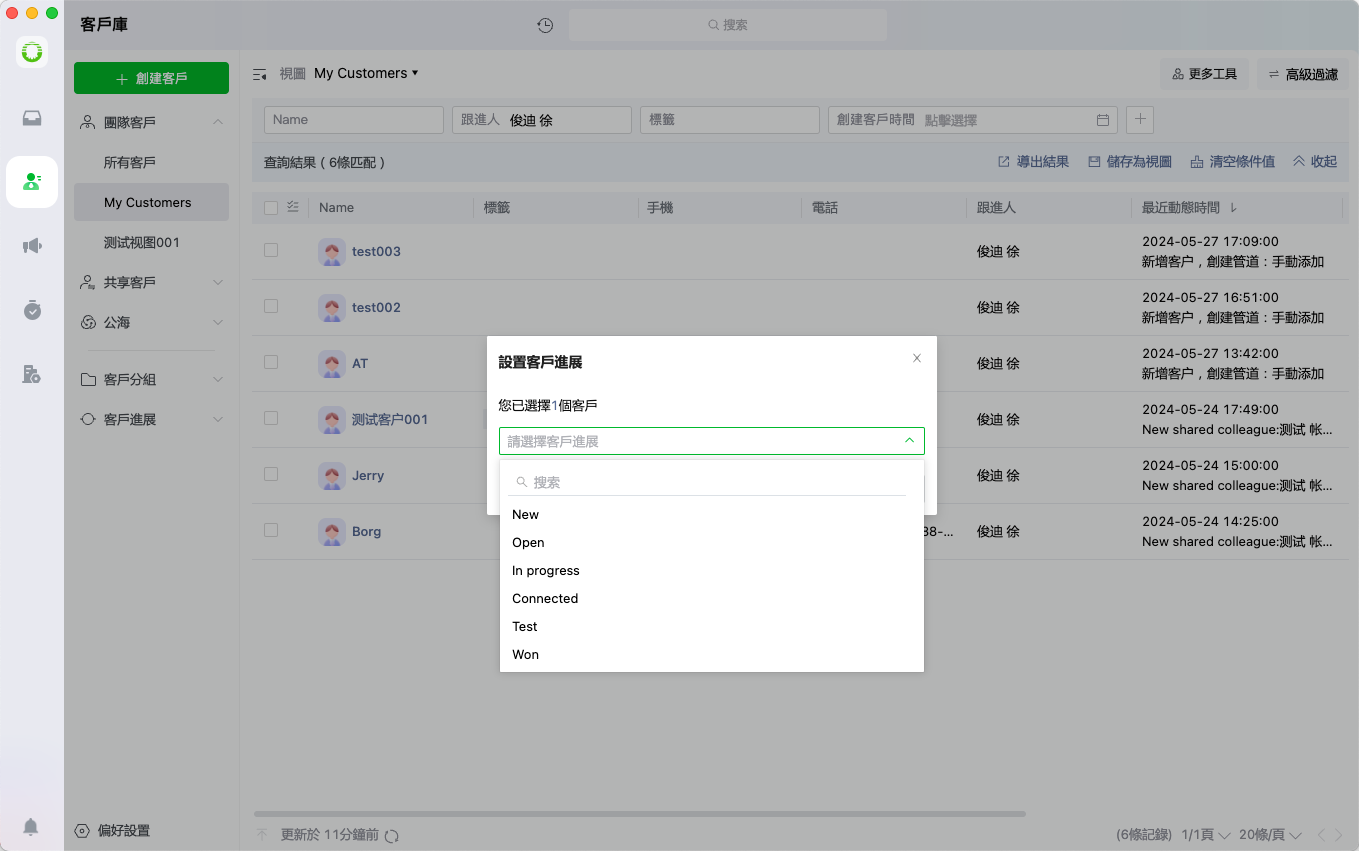
## **Update Customer Progress**
Users can update and manage each customer's progress status through predefined stages
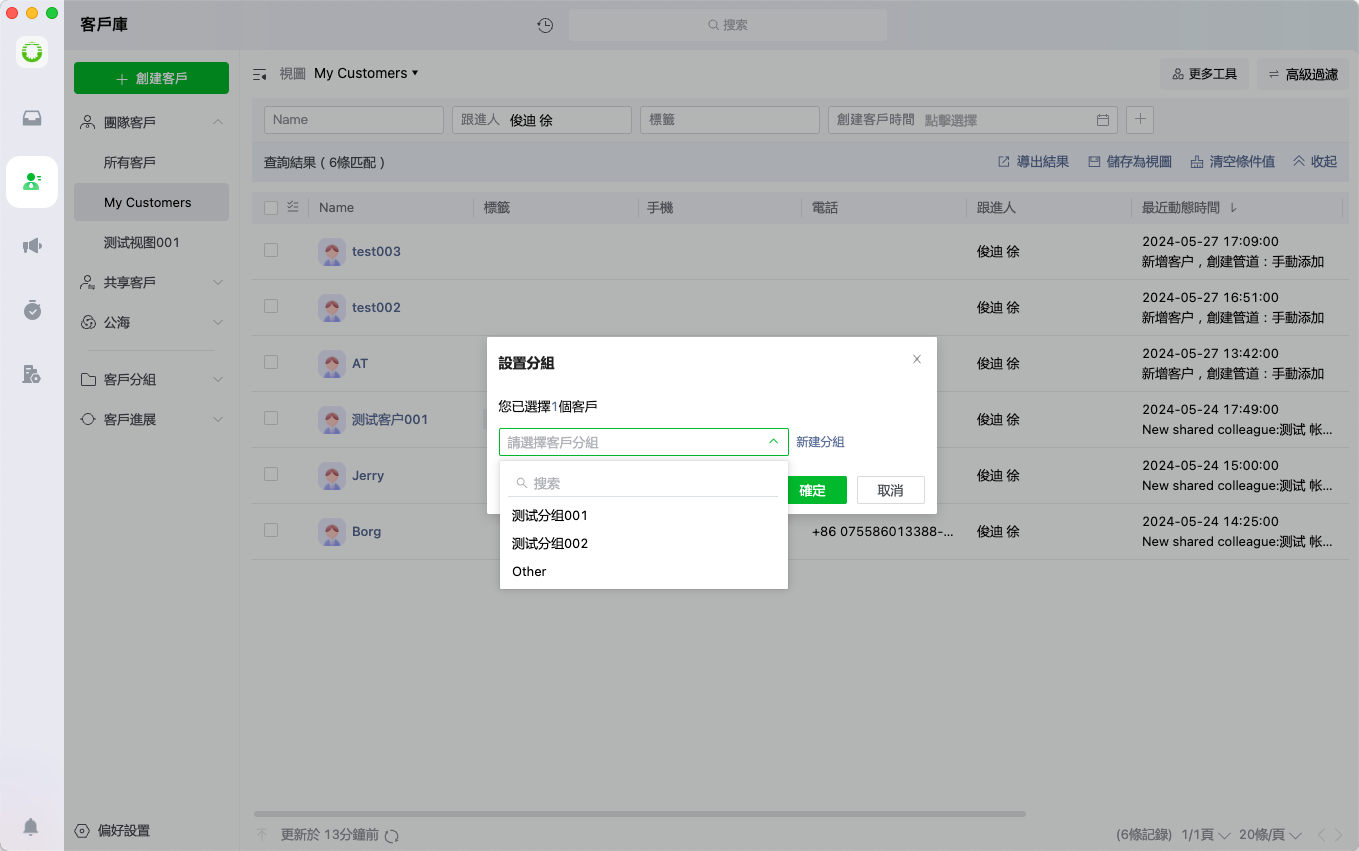
## Set Group
Users can categorize customers into existing groups or create new groups as needed
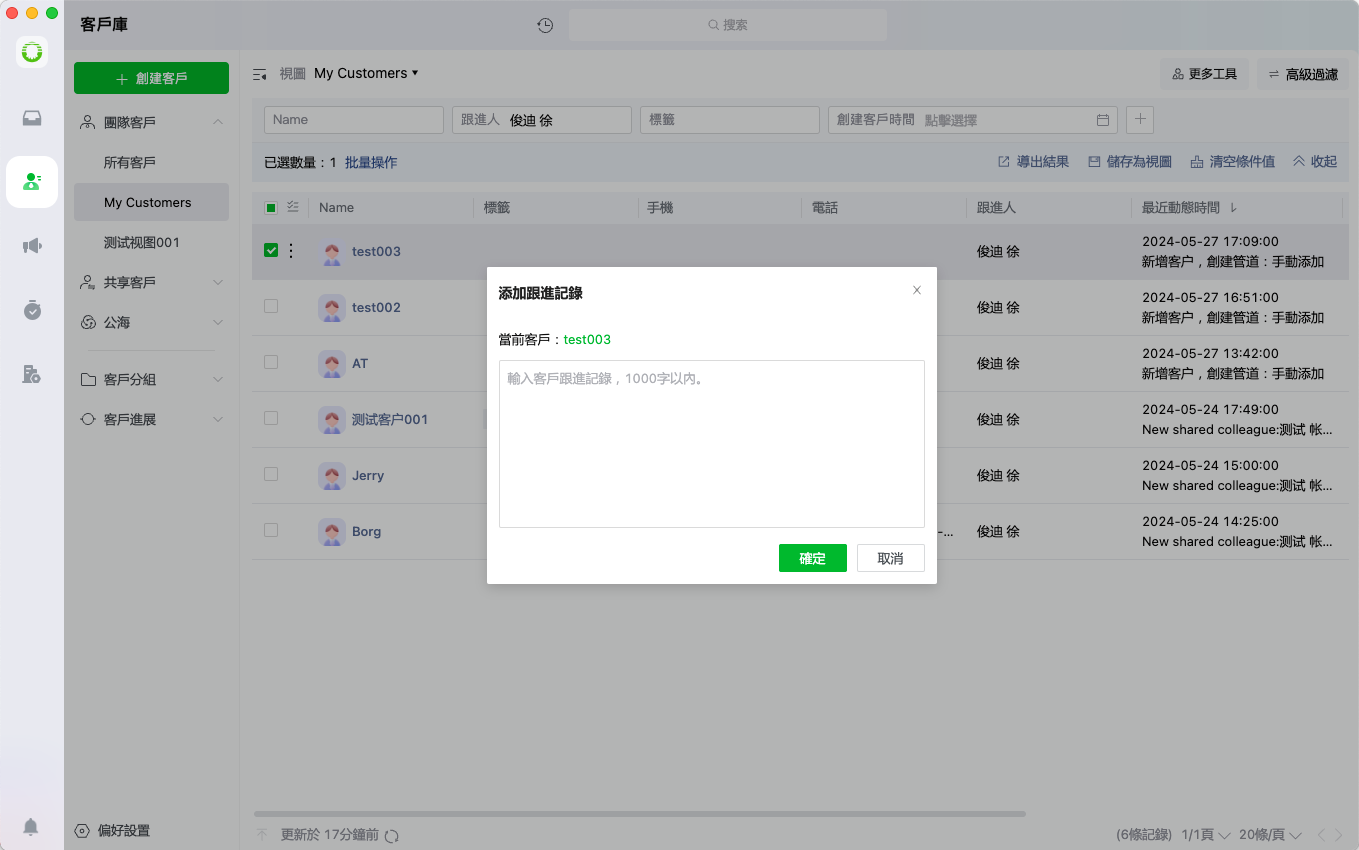
## **Add Follow-up Record**
Users can document and maintain detailed follow-up records for each customer interaction
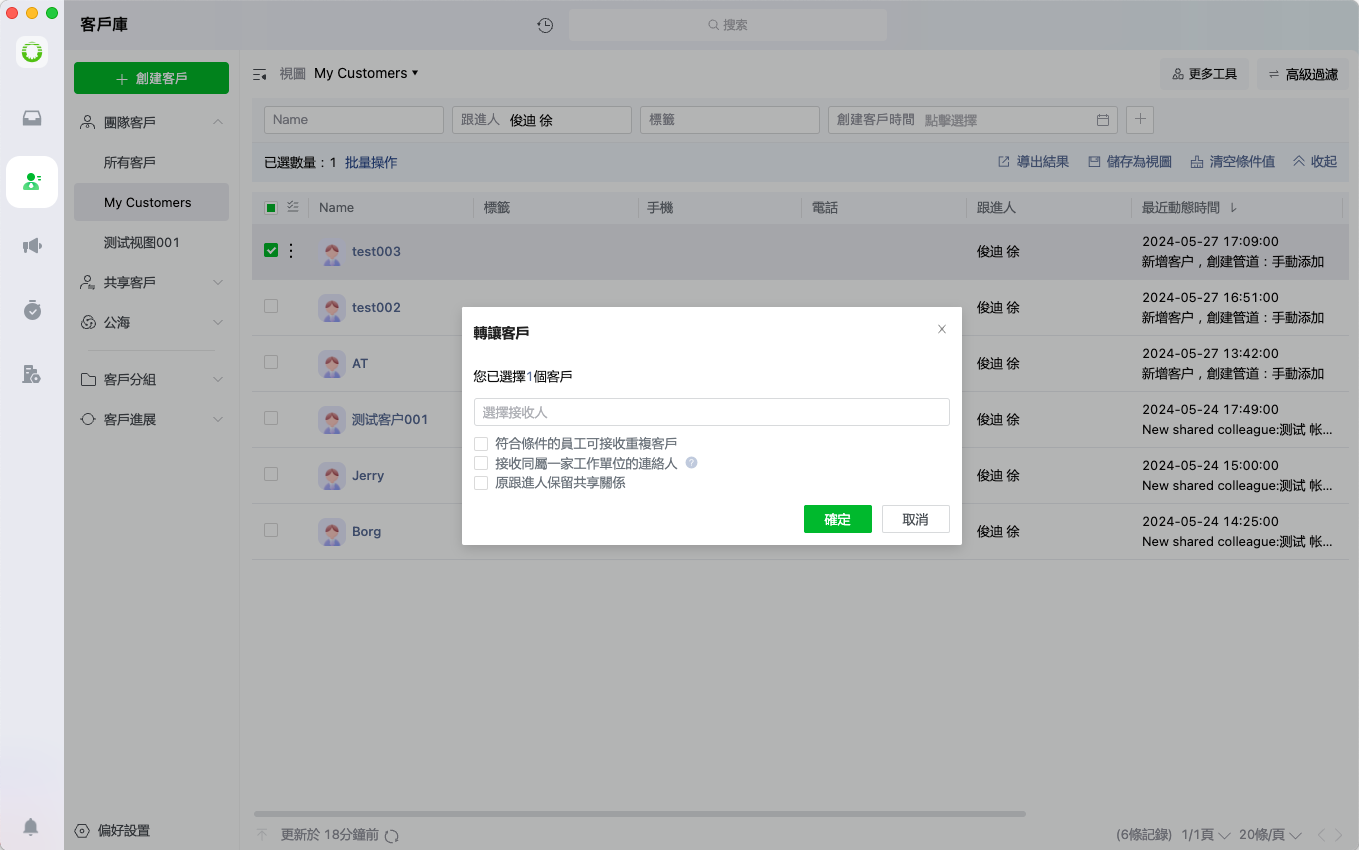
## **Transfer Customer**
Users can reassign customers to designated recipients with configurable transfer settings
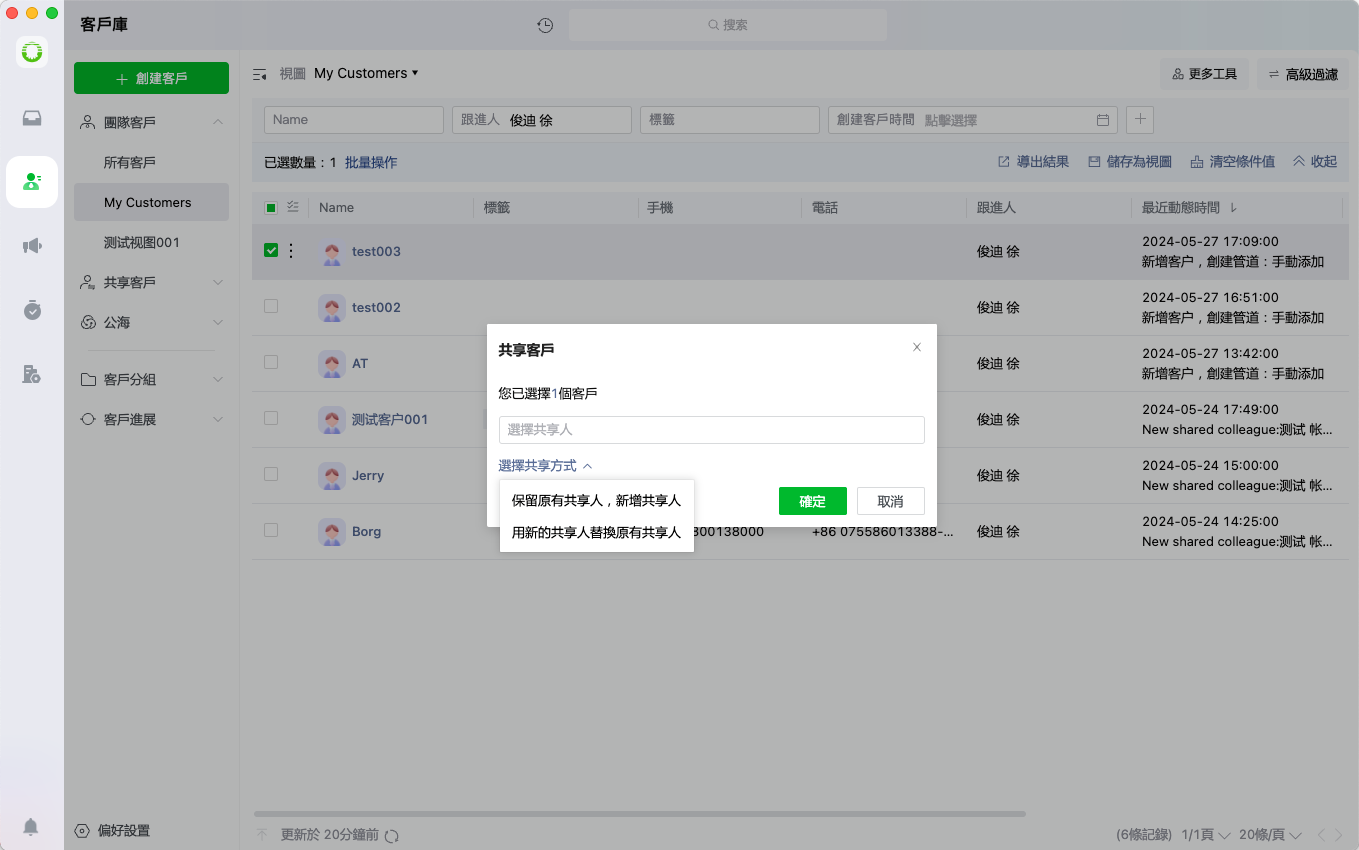
## **Share Customer**
Users can grant access permissions to share customer profiles with selected team members
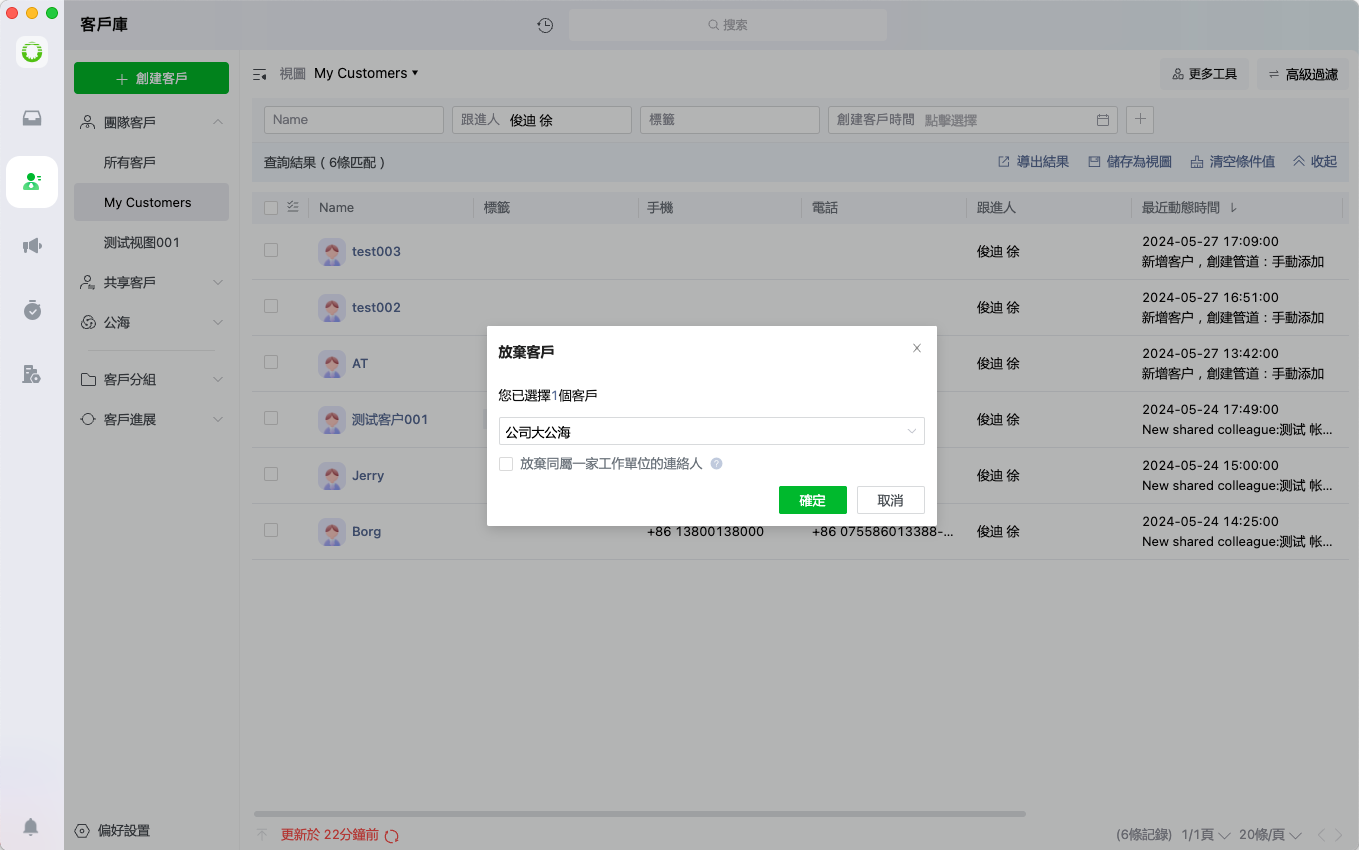
## **Release Customer**
Users can voluntarily release customers back to the company's public pool for redistribution
## **Delete Customer**
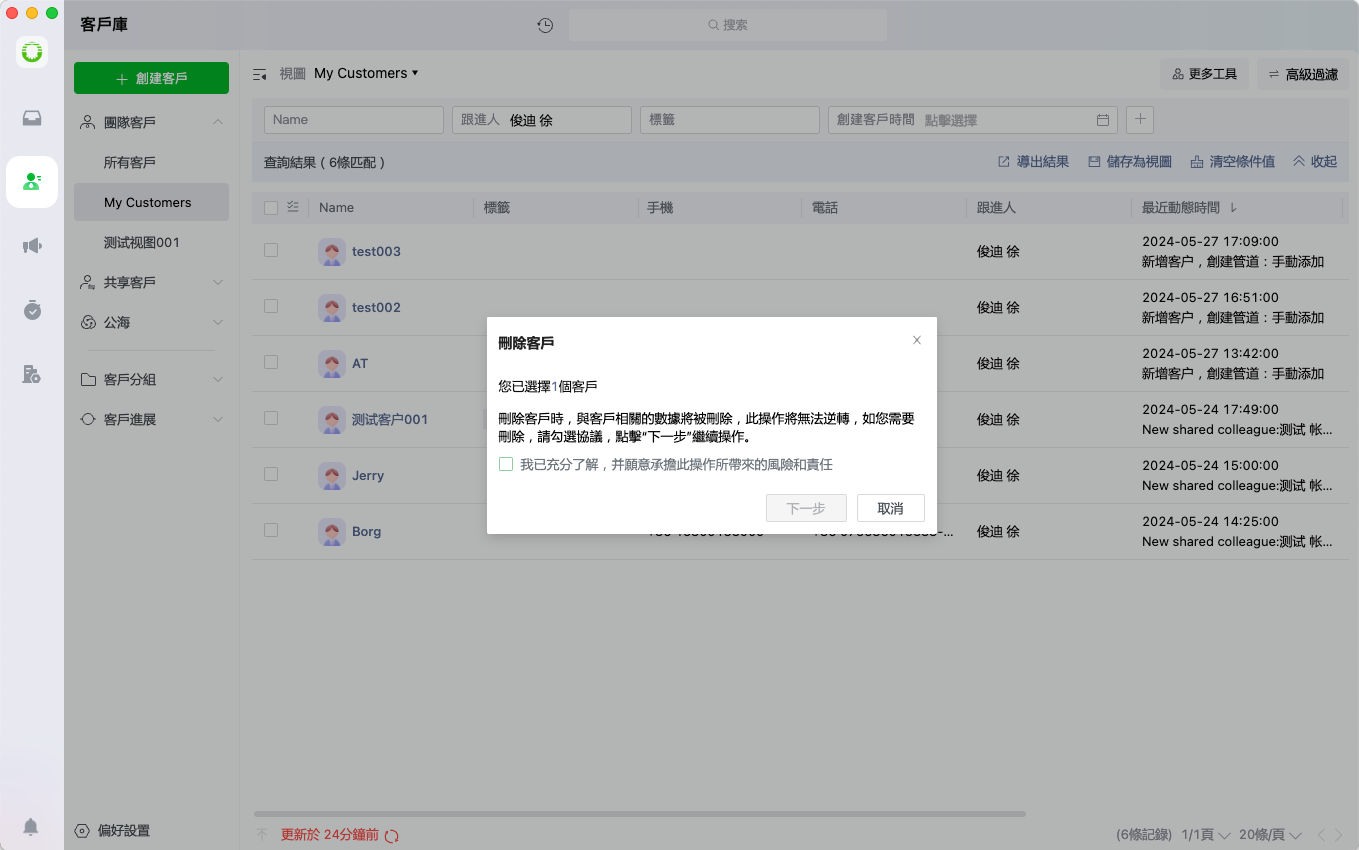
Users can permanently remove customer records after completing a mandatory confirmation process
## **Export Customer**
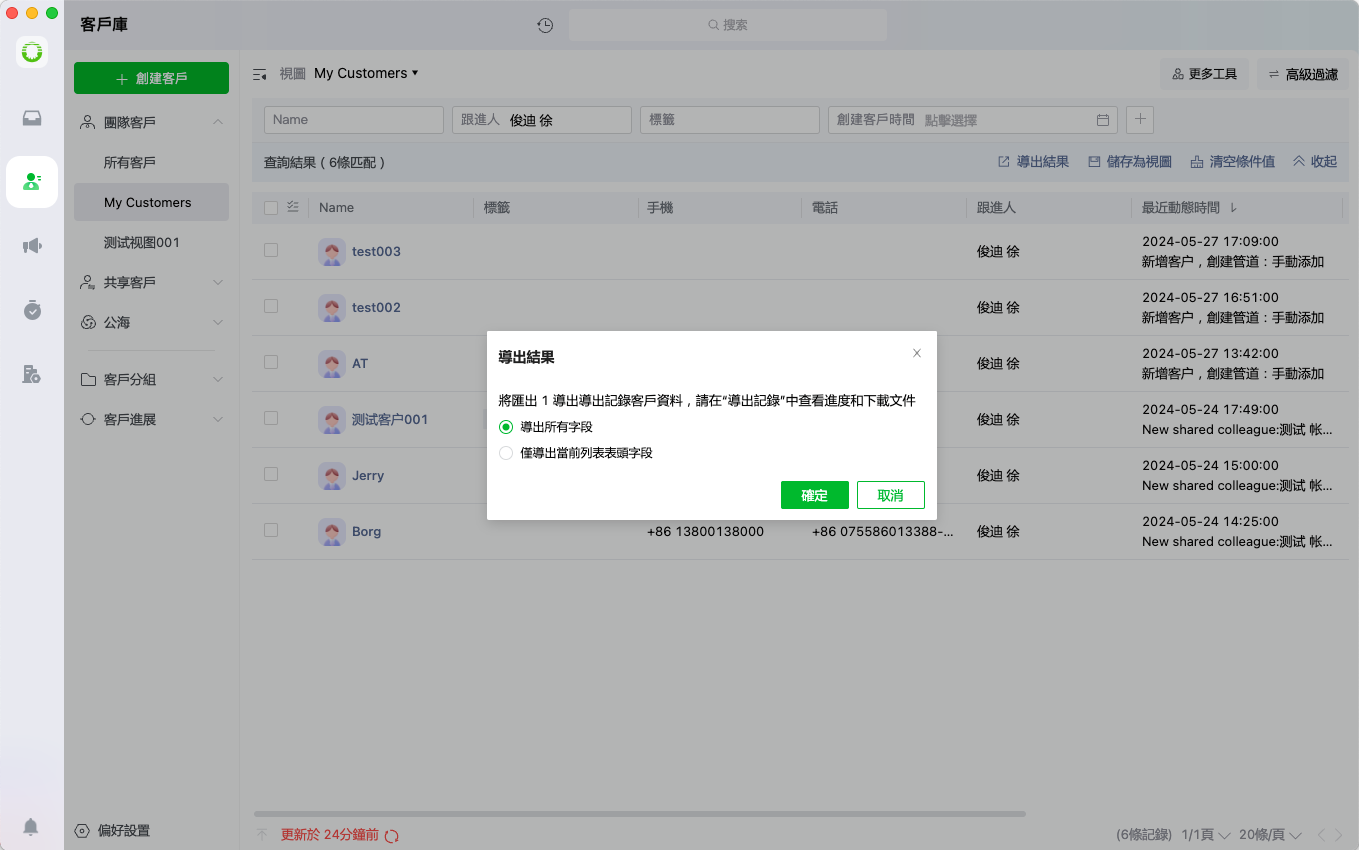
Users can export complete customer profiles in various file formats for external use